COURT 026:00–7:00 PMPickleball reservation
1 Book a court
The court and reservation time define the video session.

Built for pickleball
Turn time on court into live video, lasting highlights, and a better player experience. Automated around the way you play.
Pickleball
From the first booking to the last replay. Bring recording, clips, scores, and your club’s brand into one connected experience.
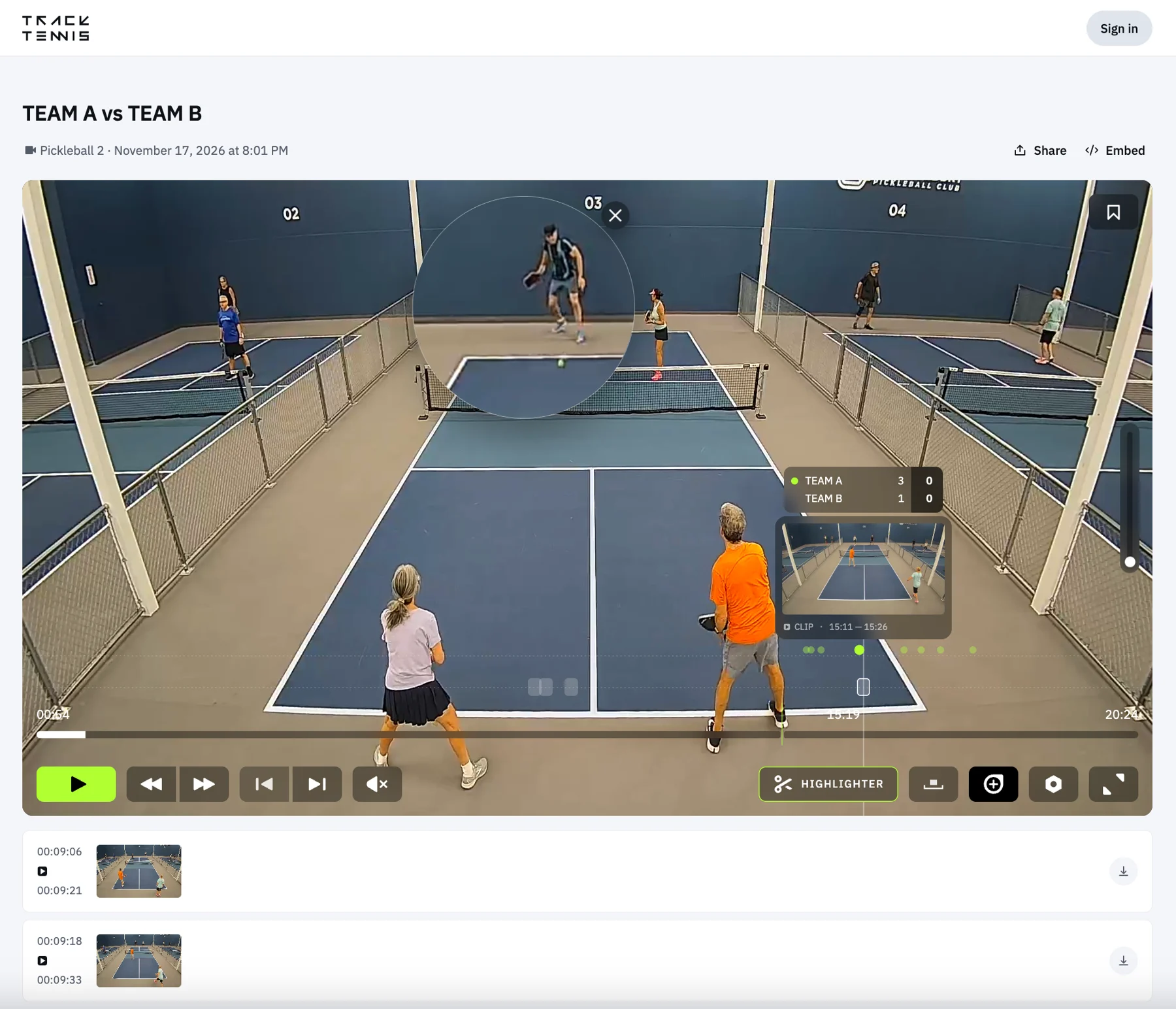
01 / Built around your court
Start with connected cameras and the Track Tennis platform. Choose the controls and screens that work for your players.
Capture clips and keep score with physical buttons. Players access their video, clips, and score information on their own devices. No courtside TV or tablet is required.
Buttons, tablets, and TVs are optional interfaces. Connected cameras, network access, and the platform provide the recording foundation.
02 / CourtReserve × Track Tennis
Your staff runs the club in CourtReserve. Track Tennis connects the schedule to recording, streaming, and player access.
After court mapping and integration setup, the reservation drives the video session.
The court and reservation time define the video session.
The connected court camera starts recording on schedule.
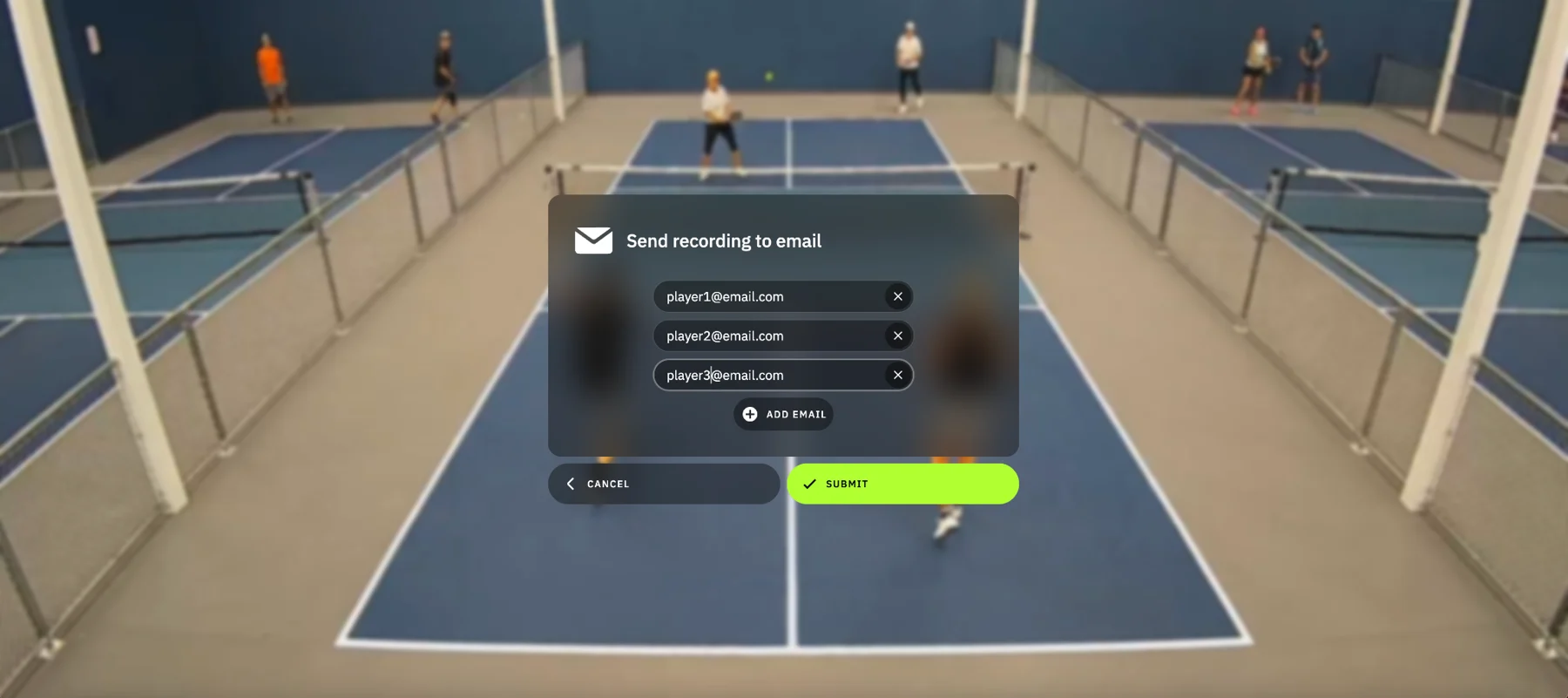
A video link is sent at the start of the booking, ready for live viewing and highlights.
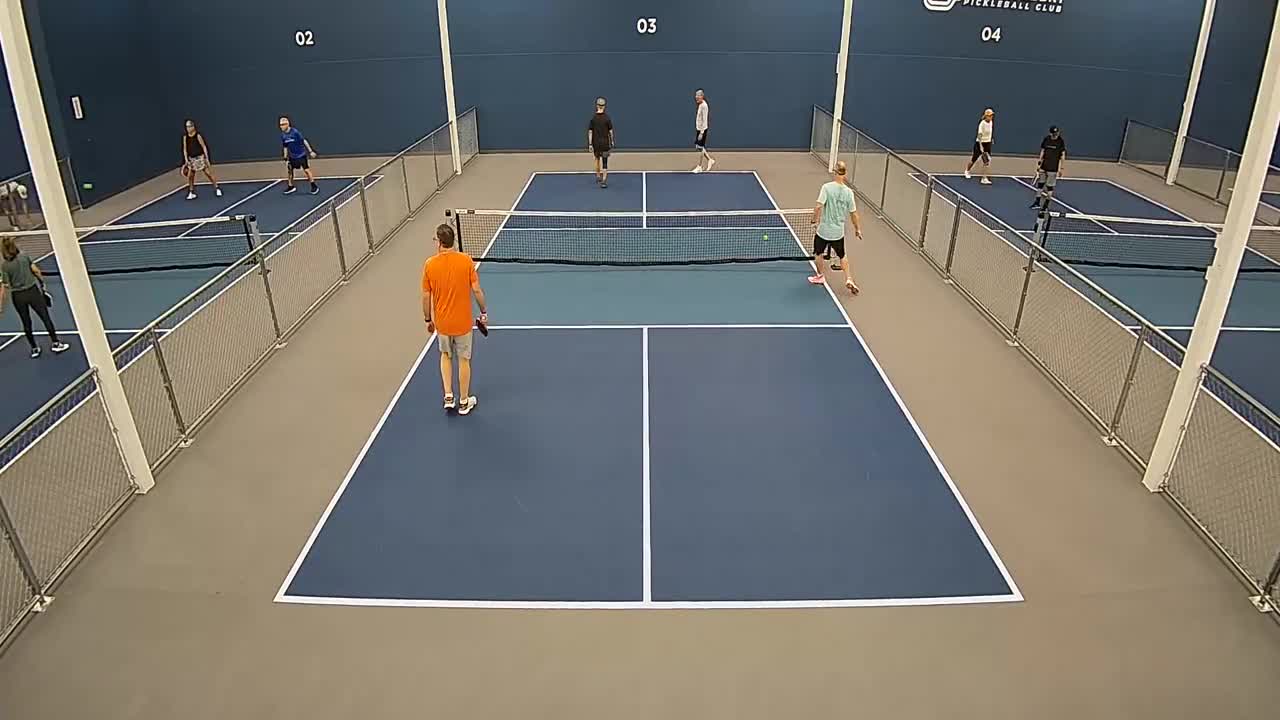 REPLAY + CLIPS
Recording ends with the session. Players can return to their replay and saved clips.
Enable event recording and select the CourtReserve event categories you want to cover.
Create an event in a connected category and add the courts and participants.
The event and its court recordings appear in Track Tennis. Schedule changes sync.
Registered participants receive access to the event’s viewing page by email.
Streams start and stop on schedule. Viewers switch between courts in one event destination.
03 / The action stays courtside
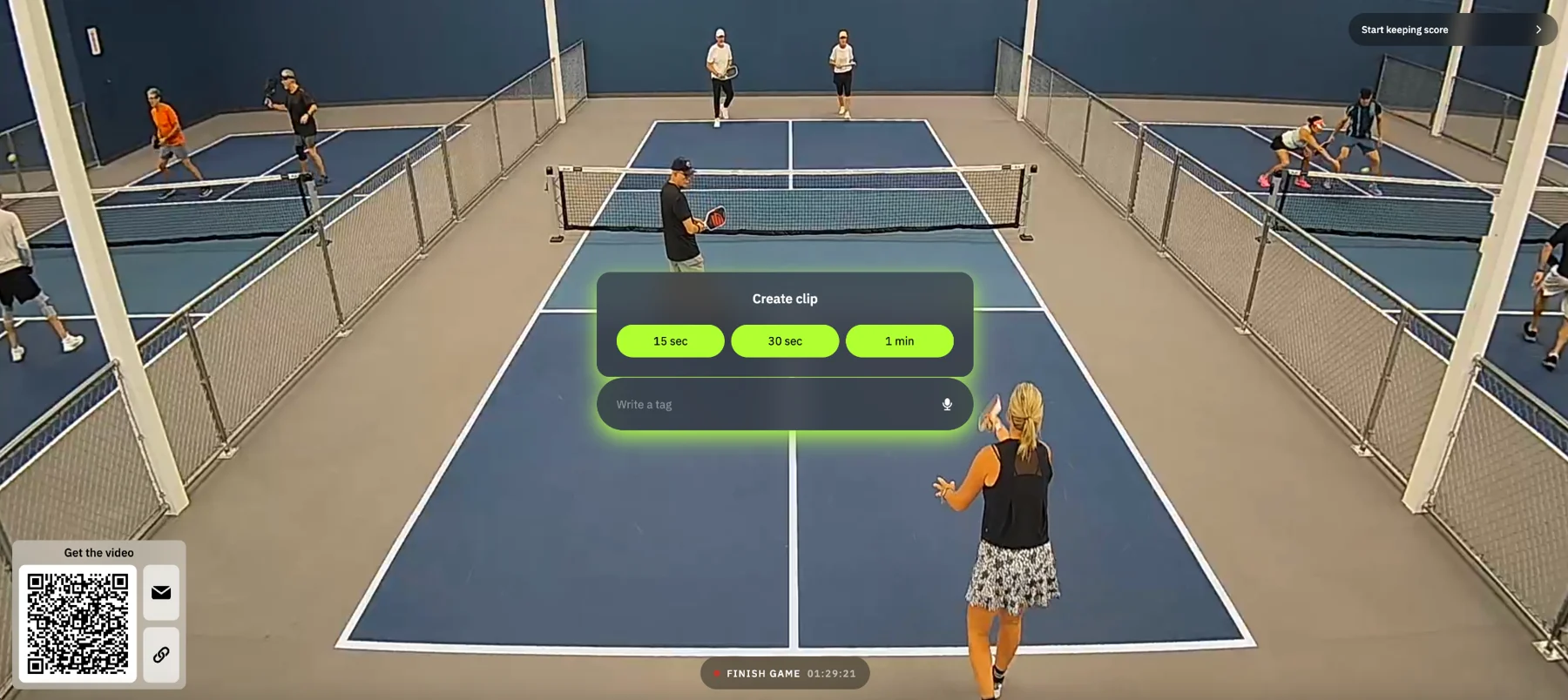
One physical button handles all three actions. Add a screen and the best moment comes straight back to the court.
Use a tablet on its own, pair it with buttons, or let it complement a court TV. Players can create clips, keep score, add tags, and get their video.
With buttons alone, clips and scores are still part of the experience. Players use their own devices to watch and share.
Save the last 15 seconds, 30 seconds, or one minute. Open scorekeeping when you want to track the game.
04 / Beyond the final point
Watch it live. See what happened. Keep the good parts. A complete player experience, right in the browser.
Open a live stream or return to the saved match. Scores and clip markers keep useful moments close.
05 / From league night to tournament day
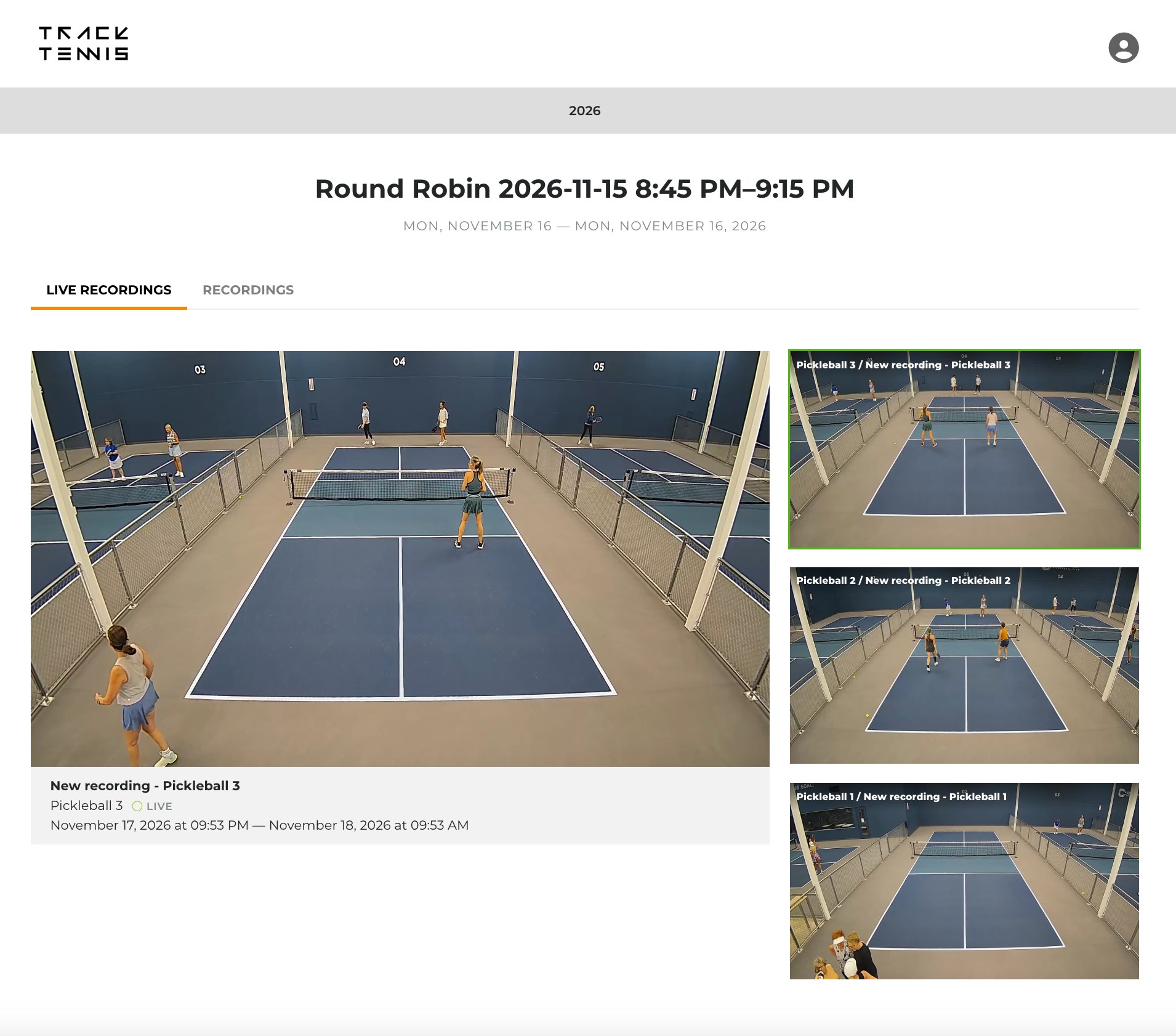
Give participants and viewers one place to follow the action. Switch courts, watch live, and come back for the replay.
See the CourtReserve Event Stream Autopilot workflow in action.
06 / Make the whole experience yours
Your club can have its own white-label platform. Bring your identity, sponsors, and partners across the entire video experience.
Every court. Every great moment.
C/C · YOUR CLUBYOUR SPONSORC/C · YOUR CLUBYOUR SPONSOR▶ 00:15A white-label experience under your club’s brand.
Club, sponsor, and partner watermarks on streams, recordings, clips, and replays.
Customized event pages, sponsor visibility, and advertising placements.
Branded score widgets and on-court displays that belong in your venue.
Include video with membership, offer paid access, or build a sponsor-supported experience. Configure the presentation and access around your club.
07 / Ready for your next court
Plan the cameras. Connect your schedule. Choose your controls and branding. We’ll help you put the pieces together.
Your game. Your goals.
Whether you run a club, coach a team, or host a tournament, give every match a life beyond the court.
Connect court reservations to recording and live access. Give members replays and highlights while reducing the work of managing video by hand.
Give players, families, and fans a branded destination for live matches and replays. Bring multi-court coverage together for your tournament or season.
See what happens after record
Live streaming is the starting point. Explore the tools that make your video useful to players, coaches, and fans.
Return to the full match, revisit the key points, and bring a real example to your next coaching conversation.
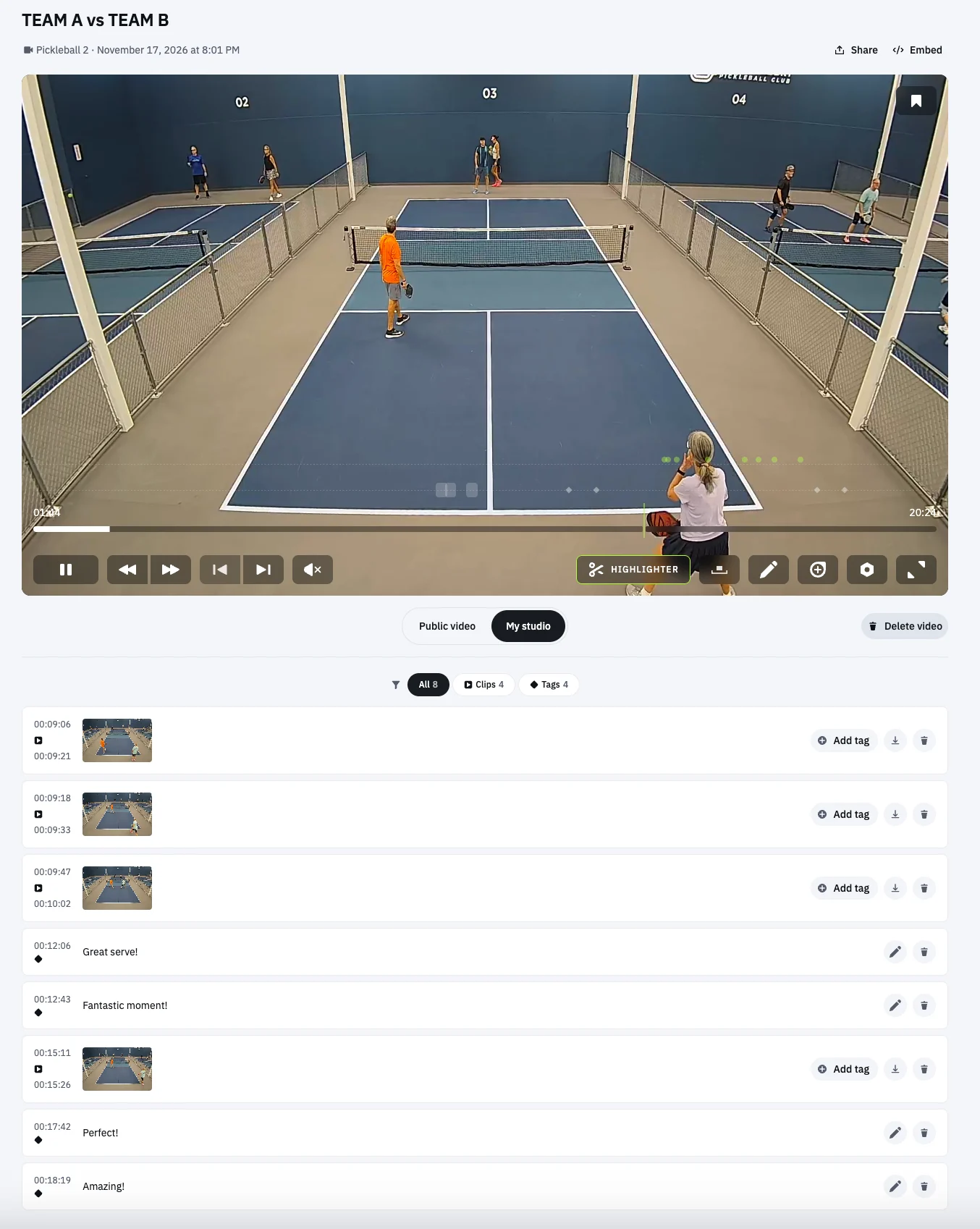
Save a rally, add a tag, or leave a text or voice note. Turn a full recording into something players and coaches can use.
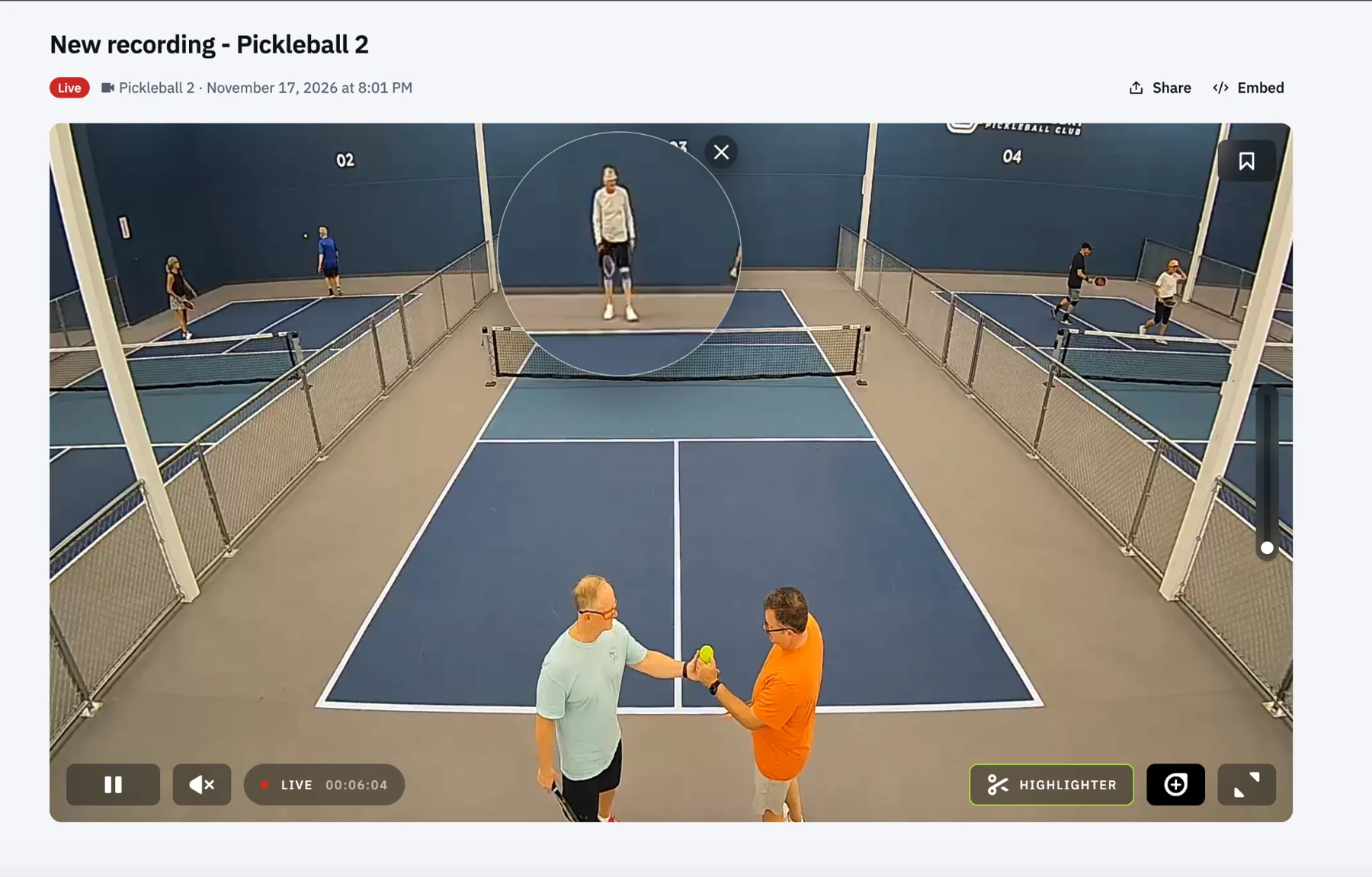
Use slow motion, frame-by-frame controls, and magnification to review positioning, technique, and key moments.
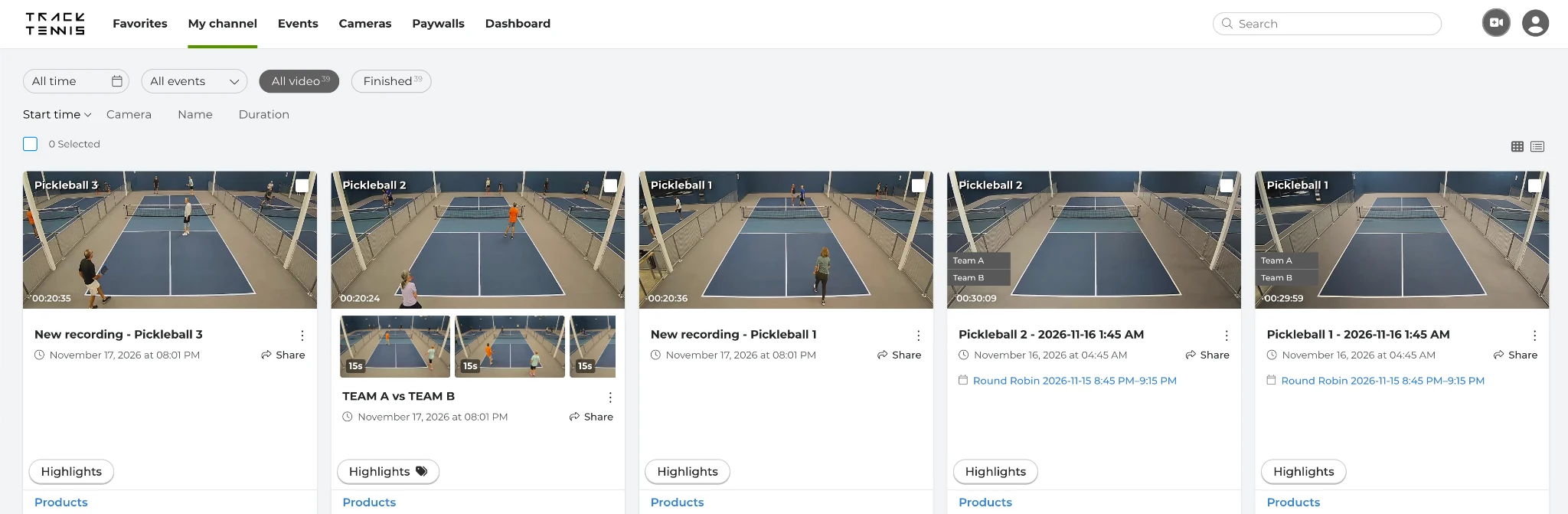
Give members a home for their sessions and teams a place to return to match footage. Find recordings by court, date, or event.
Bring live streams and replays together on an event page with your branding. Make it easy for families and fans to find the action.
Connected to your day
Connect supported booking and scoring systems to your cameras. Bring video into the workflow your team already knows.
The reservation connects the right court and time to the right camera.
Recording starts at booking time. Players receive a link to live video and can capture highlights.
Recording ends with the session. Players return to the full replay and their saved highlights.
Connect eligible reservations to the video experience.
Developed and demonstrated; activation coordinated per facility.
Automate with supported feeds and configured court mapping.
Your community, on screen
Make video feel like a natural part of your club or program, with branded pages and players that fit your website.
Explore your optionsFrom first conversation to first serve
We review the facility, the experience you want to offer, and the systems you use before planning the launch.
Confirm camera compatibility, views, power, and network readiness. Use suitable existing cameras or plan new equipment.
Map courts, configure supported integrations, and set up your branding and access rules.
Walk through live access, replay, and highlights together, then give your staff the tools to run with it.
Often, yes. We check compatible RTSP/RTMP streams, camera placement, image quality, and your network before confirming the setup. If new cameras are needed, we help plan the right coverage.
Software setup can be quick once cameras, networking, and required integration access are ready. Your launch plan will distinguish software configuration from hardware delivery, cabling, and installation.
In the demonstrated booking workflow, the access link opens live video and highlighting in a browser without a separate player sign-up. Access settings are confirmed for your facility during onboarding.
Club subscriptions are scoped around camera count and service requirements. Hardware, installation, and optional services are itemized separately in your proposal.
Yes. You can explore video as an included benefit, a premium service, or an event offering. Payment options and membership entitlements depend on the agreed setup and integration scope.
Your next move
Tell us about your facility or program. We’ll walk you through the platform and help map out your setup.
sales@track.tennisYour courts. Your workflow.
A clear next step.